


With more than two billion users globally, WhatsApp remains one of the most widely used messaging platforms in the world. As remote work, hybrid offices, and multi-device communication become standard, many users are turning to WhatsApp Web to manage conversations directly from their computers.
Whether you are responding to clients, coordinating family plans, or simply tired of typing long messages on your phone, WhatsApp Web allows seamless access to your chats through a browser. This guide explains how to use WhatsApp Web, how it works, and what security measures to consider.
What Is WhatsApp Web and How Does It Work?
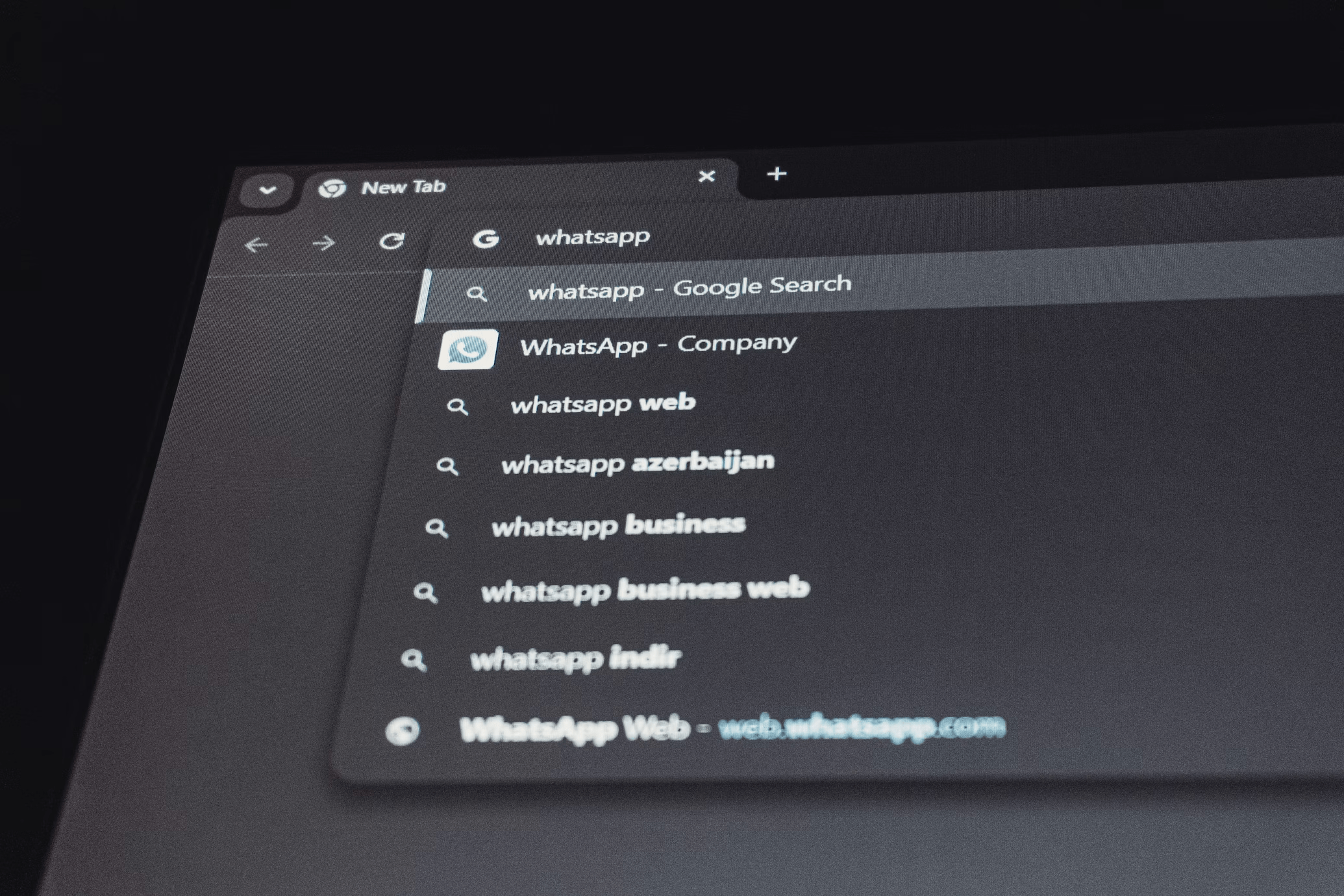
WhatsApp Web is the browser-based extension of the WhatsApp mobile app. It mirrors your existing chats and messages from your smartphone onto your computer screen.
The service operates through device linking. Instead of requiring a separate login with a username and password, WhatsApp Web connects to your account by scanning a QR code from your phone.
Since 2021, WhatsApp has supported multi-device functionality, allowing linked devices to stay connected even if your phone temporarily loses internet access. According to parent company Meta Platforms, messages remain protected with end-to-end encryption across linked devices.
In practical terms, that means you can:
- Send and receive messages
- Share files and photos
- Access archived chats
- Use keyboard shortcuts for faster typing
And yes, you can finally copy and paste without emailing yourself first.
How to Set Up WhatsApp Web in Minutes

The fastest way to use WhatsApp Web is by linking your phone to your computer through a QR code.
Follow these steps:
Step 1: Open WhatsApp Web
On your computer browser, visit:
web.whatsapp.com
You will see a QR code displayed on the screen.
Step 2: Open WhatsApp on Your Phone
On your smartphone:
- Open the WhatsApp app
- Tap the three-dot menu (Android) or go to Settings (iPhone)
- Select “Linked Devices”
- Tap “Link a Device”
Step 3: Scan the QR Code
Use your phone’s camera within the app to scan the QR code displayed on your computer screen.
Within seconds, your chats will load on your desktop browser.
There is no separate password to remember. The process relies on secure device authentication.
WhatsApp Web vs. WhatsApp Desktop App
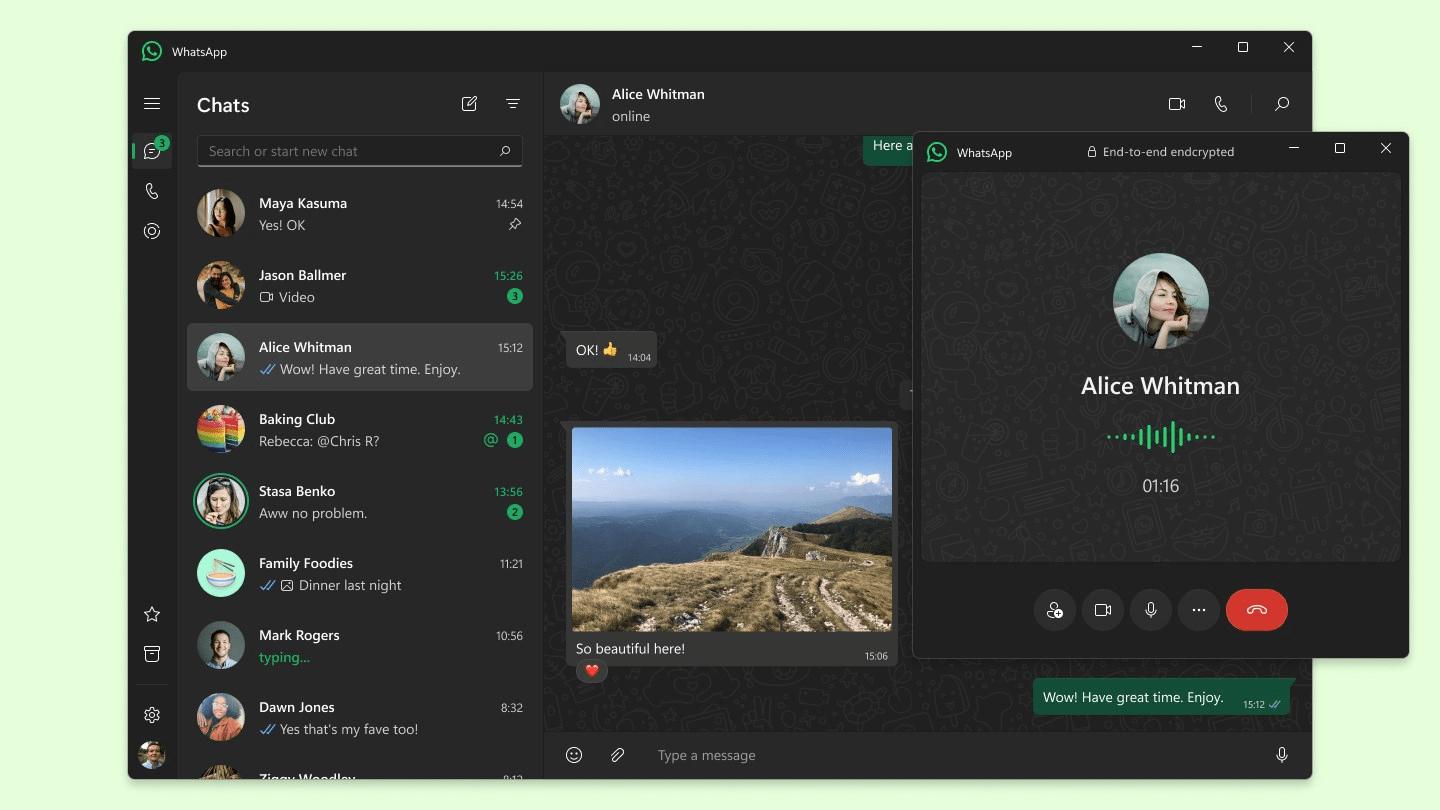
Many users confuse WhatsApp Web with the downloadable desktop version.
Here is the difference:
- WhatsApp Web: Browser-based, no installation required
- WhatsApp Desktop: Standalone app for Windows and macOS
Both use the same linking process. The desktop app may offer slightly improved performance and system notifications, but for most users, WhatsApp Web works efficiently.
According to WhatsApp’s official support documentation, both versions support multi-device login with up to four linked devices.
Security and Privacy Considerations
Security remains a key concern when accessing personal messages on shared or office computers.
WhatsApp states that messages are protected with end-to-end encryption, meaning only you and the recipient can read them. Even Meta cannot access message content.
However, users should still follow best practices:
- Always log out of shared computers
- Avoid using WhatsApp Web on public devices
- Enable two-step verification in the mobile app
- Lock your computer when stepping away
To log out remotely:
Go to “Linked Devices” in your mobile app and select the active browser session to disconnect it.
Digital privacy experts consistently emphasize that user behavior, not just encryption, determines security outcomes.
Common Issues and How to Fix Them
If WhatsApp Web is not working, the issue is often related to connectivity or outdated software.
Check Your Internet Connection
Both your phone and computer must have an active internet connection, especially during initial linking.
Update Your Browser
WhatsApp Web works best on updated versions of Chrome, Firefox, Safari, and Edge.
Clear Cache or Reload
If chats fail to load, refreshing the page or clearing your browser cache can resolve temporary glitches.
Re-Link Your Device
If the session expires, simply repeat the QR scanning process.
Technical disruptions are usually minor and resolved within minutes.
Productivity Benefits of Using WhatsApp Web
The appeal of WhatsApp Web goes beyond convenience.
For professionals and students, using a full-sized keyboard improves response speed and accuracy. File sharing becomes easier when documents are already stored on your computer.
Key productivity advantages include:
- Faster typing
- Easier document transfers
- Simultaneous multitasking
- Better screen visibility for long conversations
In workplace environments where WhatsApp is used for team communication, desktop access reduces reliance on switching between devices.
While WhatsApp was originally designed for mobile-first communication, its web interface reflects changing digital habits.
Limitations to Be Aware Of
Despite its advantages, WhatsApp Web has limitations:
- It does not support voice or video calls directly in most browser versions (calls are supported in the desktop app).
- Some advanced mobile-only features may not appear in the web interface.
- Performance depends on browser stability.
For heavy users who rely on voice calls, the desktop application may be a better option.
Why WhatsApp Web Remains Relevant in 2026
Messaging habits continue to evolve. According to global digital usage reports from firms such as DataReportal, messaging apps remain among the most-used digital services worldwide.
As work and personal communication blend across devices, browser-based tools like WhatsApp Web reduce friction. Users expect continuity between phone, tablet, and laptop.
WhatsApp’s multi-device expansion aligns with broader trends in cross-platform integration. The company has gradually improved independent device connectivity to reduce reliance on a constantly connected primary phone.
Simple Tool With Everyday Impact
Using WhatsApp Web is straightforward, secure, and efficient when set up correctly. The QR-based linking process removes password fatigue while maintaining encrypted messaging standards.
For professionals managing multiple conversations, students coordinating group work, or families staying connected, desktop access adds flexibility without compromising privacy.
As messaging platforms continue to adapt to multi-device lifestyles, WhatsApp Web remains a practical extension of one of the world’s most-used communication tools.


We at SFI.COZA think that stories have the ability to educate, uplift, and unite people. As a sociable and committed editor, we work hard to provide rich media coverage that connects with our audience. Our ambition to positively touch our audience's lives, one article at a time, is equal to our enthusiasm for storytelling. Come along on this adventure with us as we explore the planet.



Leave a Reply